
Need a fast and affordable way to use MDMFix Tool for Android servicing?
At ThueVIP, you can rent MDMFix Tool cheap, get your account activated quickly, and start working without wasting time on complicated setup or expensive long-term licensing. This solution is suitable for technicians, repair shops, and advanced users who need a practical tool for handling MDM, KG Lock, FRP, and IT Admin-related cases on supported Android devices.
If you are looking for a cheap MDMFix Tool rental with fast access and a clear workflow, this landing page is built for exactly that need.
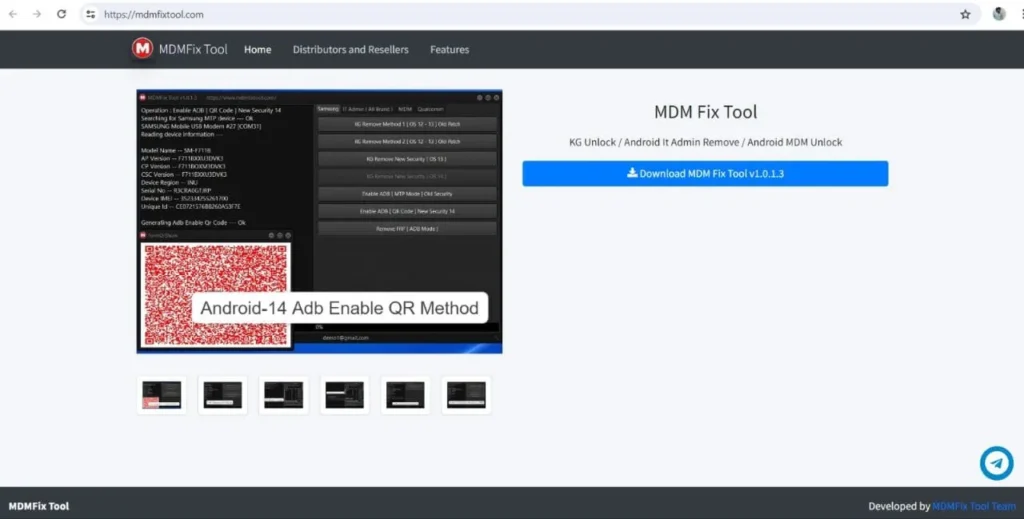
What Is MDMFix Tool?
MDMFix Tool is an Android servicing tool designed to help users deal with software restrictions and lock-related situations on supported devices. It is commonly used in repair environments where technicians need a practical way to work with devices affected by management policies, security locks, or post-reset restrictions.
The tool is often associated with handling tasks such as:
- MDM-related restrictions
- KG Lock
- FRP
- IT Admin removal
- ADB-related operations
- Additional software servicing functions on supported models
For many technicians, the value of MDMFix Tool comes from flexibility. Instead of relying on multiple narrow-purpose tools, they prefer one solution that can cover several real repair scenarios.
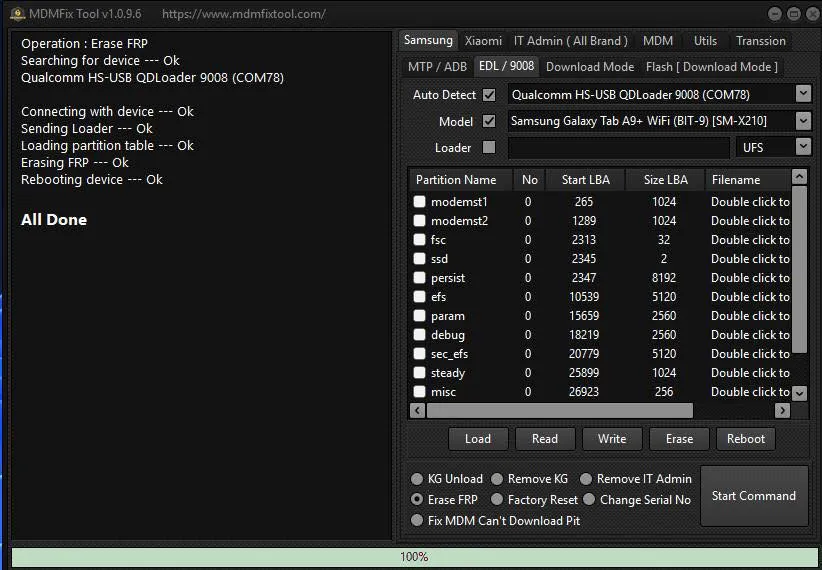
Why Rent MDMFix Tool Instead of Buying It?
Buying a full license is not always the best option, especially for users who do not need the tool every day. In many real cases, technicians only need access for a short period to complete a specific batch of jobs. That is why cheap MDMFix Tool rental makes much more sense for many users.
The first advantage is lower upfront cost. You do not need to spend a large amount on a long-term license before knowing how often you will actually use it. Renting keeps your cost structure flexible and works well for repair shops, freelancers, and growing service businesses.
The second advantage is speed. Most users searching for activate MDMFix Tool or activate MDMFix account are not looking for theory. They want to get access quickly and start working. A rental model supports that need much better.
The third advantage is practicality. Android servicing changes constantly, and many users prefer access on demand rather than locking themselves into a larger upfront purchase too early.
What Can MDMFix Tool Help With?
In real-world repair work, technicians often receive devices that are not physically damaged but still cannot be used normally because of software restrictions. That is where MDMFix Tool becomes valuable.
Depending on the supported device and situation, the tool is relevant for scenarios such as:
- MDM lock cases
- KG Lock-related restrictions
- FRP handling
- IT Admin limitations
- Some ADB-related and servicing operations on supported models
This matters because users who search for MDMFix Tool cheap, rent MDMFix Tool, or activate MDMFix Tool are usually already facing a practical problem. They are not just researching. They want a solution they can use.
Broad Support for Popular Android Brands
One of the reasons many technicians look for MDMFix Tool rental is broad device relevance. In daily servicing work, repair shops rarely handle only one brand. A single workflow is much more valuable when it fits multiple Android ecosystems.
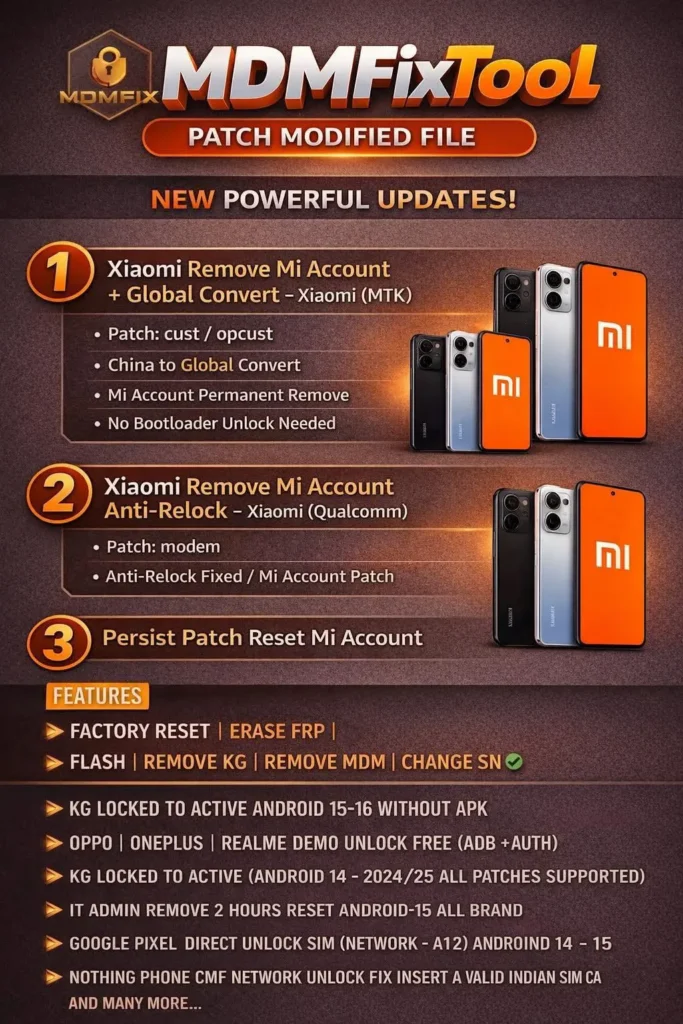
Based on the source material, the tool is associated with a wide range of brands and platforms, including major Android manufacturers and common chipsets such as Qualcomm, Exynos, MTK, and SPD. That gives technicians more flexibility when dealing with mixed device batches.
For a landing page, this is important because it shows that the tool is not limited to a narrow use case. It is positioned as a more practical option for real servicing demand.
Why Rent MDMFix Tool from ThueVIP?
A landing page should not only explain what the tool is. It also needs to show why users should choose your service.
At ThueVIP, the offer should be presented around the points customers care about most:
- Affordable rental pricing
- Fast account activation
- Quick account delivery
- Suitable for technicians and repair shops
- Easy to start if your setup is ready
This makes the message much stronger. Instead of sounding like a generic article, the page becomes a direct service offer for users who already intend to rent and use the tool.
How to Rent and Activate MDMFix Tool
Renting MDMFix Tool should feel simple and clear. That is why this section works best as one heading followed by a short step-based content block rather than many small subheadings.
Renting and activating your account at ThueVIP is designed to be straightforward. Once your working environment is ready, the process is easy to follow and fast to begin.
Step 1: Choose the right rental option
Select the rental package that matches your actual usage needs. If you only need short-term access, a flexible option is usually the best fit.
Step 2: Receive your login account
After confirmation, you will receive the account details needed to log in to the software and begin the activation process.
Step 3: Log in and activate the tool
Open the software, enter the provided credentials, and verify access. If your computer setup is ready, activation is usually quick.
Step 4: Connect your device and start working
Depending on the device and the operation required, connect through the appropriate mode such as ADB, EDL, MTP, or Download Mode.
Who Is This Service Best For?
This landing page is not meant for random traffic. It is best suited for users who already have a clear need.
That includes:
- Mobile repair technicians
- Unlocking service providers
- Repair shops handling Android lock-related cases
- Advanced users with technical experience
For these users, renting MDMFix Tool is often more practical than making a bigger upfront investment too early.
Important Notes Before Using MDMFix Tool
Because this is a technical servicing tool, users should prepare properly before starting. A better setup usually means fewer failures and smoother operation.
Before using the tool, it is recommended to check:
- Device model
- Android version
- Current lock state
- Installed drivers
- Correct connection mode
For more sensitive actions such as reset, flash, or deeper system operations, it is always safer to proceed carefully and back up data whenever possible.